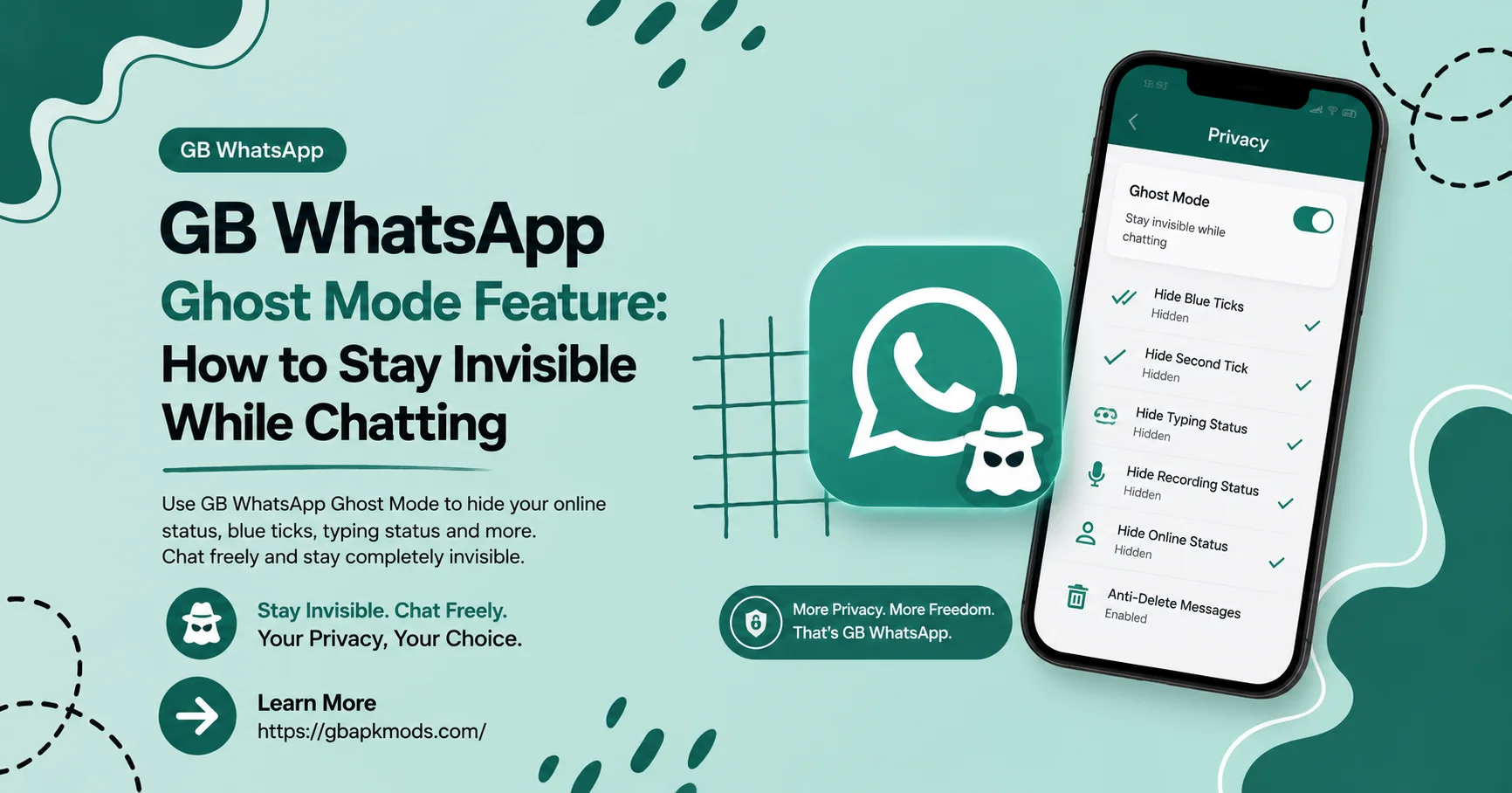
Most people who use WhatsApp every day have probably felt that small twinge of pressure when someone messages them and they see those three blue ticks staring back. Even if you read the message and decide to reply later, the other person already knows you saw it. That feeling of being watched while you chat is exactly why so many users search for the GB WhatsApp ghost mode feature. It gives you a way to use WhatsApp without broadcasting every little move you make.
Ghost mode is one of the most talked about features inside the GB WhatsApp mod, and for good reason. It lets you quietly open chats, read messages, and even reply without leaving a single digital footprint. In this guide, you will learn what ghost mode actually does, how to switch it on, and how to use it the right way without raising any suspicion.
What Is Ghost Mode in GB WhatsApp
Ghost mode is a built in privacy setting that lets you use WhatsApp without being detected. Think of it as a quiet cover that hides everything that would normally tell other people you are online, active, or even typing.
When ghost mode is turned on, you can read messages, view statuses, and reply whenever you want, but the other person will only see what you choose to show them. Most people use it to manage conversations on their own time, especially in busy work chats or large family groups where responding instantly is not always possible.
Key Things Ghost Mode Hides
GB WhatsApp gives you a long list of options to switch off, and ghost mode bundles them together into one smooth experience. Here is a quick look at what you can hide.
| Feature Hidden | What It Does |
|---|---|
| Last Seen | Removes the timestamp others can see when you were last online |
| Online Status | Stops showing the green online dot next to your name |
| Blue Ticks | Prevents read receipts from being sent after you view a message |
| Second Tick | Hides the delivery confirmation so messages appear unsent |
| Typing Indicator | Removes the typing dots so no one knows you are writing a reply |
| Recording Status | Hides the microphone icon when you record a voice note |
| View Status | Lets you view updates without your name appearing on the viewer list |
Why Users Love the Ghost Mode Feature
The reason ghost mode has become so popular is because it solves a real problem that almost every WhatsApp user faces. Nobody likes feeling pressured to reply the moment they see a message, but the default version of WhatsApp makes it almost impossible to hide that you have read something.
With ghost mode turned on, you can take your time, read the message carefully, and reply when you are ready. It is also great for people who manage multiple conversations at the same time and need a moment to think before responding. For introverts, it is a quiet blessing because they can stay connected without feeling watched.
Smart Ways to Use Ghost Mode in Daily Life
If you are new to ghost mode, here are some smart ways real users put it to work in their everyday lives.
- Read work messages during off hours without your boss knowing you saw them
- Catch up on family group updates without everyone knowing you are active
- View status updates from contacts you do not want to engage with directly
- Reply to messages on your own schedule instead of feeling rushed
- Stay private while still being reachable when it truly matters
Common Mistakes to Avoid With Ghost Mode
Even though ghost mode is easy to use, there are a few common mistakes that can give away your presence. Make sure you avoid these if you want to stay truly invisible.
- Do not turn off ghost mode just to reply to one message or you will reveal your last seen again
- Avoid switching your profile picture right after reading a message because activity pings can still leak
- Do not turn on airplane mode just to read messages and then forget, because real time status may resync
- Never rely on ghost mode for anything illegal or harmful, since the feature is meant for privacy, not deception
Is Ghost Mode Safe to Use Every Day
Ghost mode itself is safe and does not break or damage your WhatsApp account. The GB WhatsApp mod uses the same underlying network as the official app, so your messages stay encrypted. The only thing to remember is that GB WhatsApp is a third party app, so you should always download it from a trusted source and keep the version updated to avoid any security issues.
Final Thoughts
The GB WhatsApp ghost mode feature is one of the most useful tools for anyone who values their privacy and wants to chat on their own terms. It puts you back in control of when and how others see you online, which is a refreshing change from the always watched feeling that the default WhatsApp gives. If you have not tried ghost mode yet, give it a try today and feel the difference it makes in your daily conversations.
FAQs About GB WhatsApp Ghost Mode
What is ghost mode in GB WhatsApp?
Ghost mode is a privacy feature that hides your online activity, last seen, blue ticks, and typing status so you can use WhatsApp without being noticed by others.
Can someone tell if I turned on ghost mode?
No, other users cannot see whether you have ghost mode turned on or off because it works silently in the background without sending any notification to the other side.
Does ghost mode work in group chats too?
Yes, ghost mode works in both personal chats and group conversations, so you can quietly read group messages without anyone knowing you saw them.
Will I still get message notifications with ghost mode on?
Yes, you will still receive all your messages and notifications as normal. Ghost mode only hides your activity, not the messages sent to you.
Is ghost mode available on the official WhatsApp app?
No, the official WhatsApp app does not have a full ghost mode feature. It only offers limited options like hiding last seen or blue ticks, but