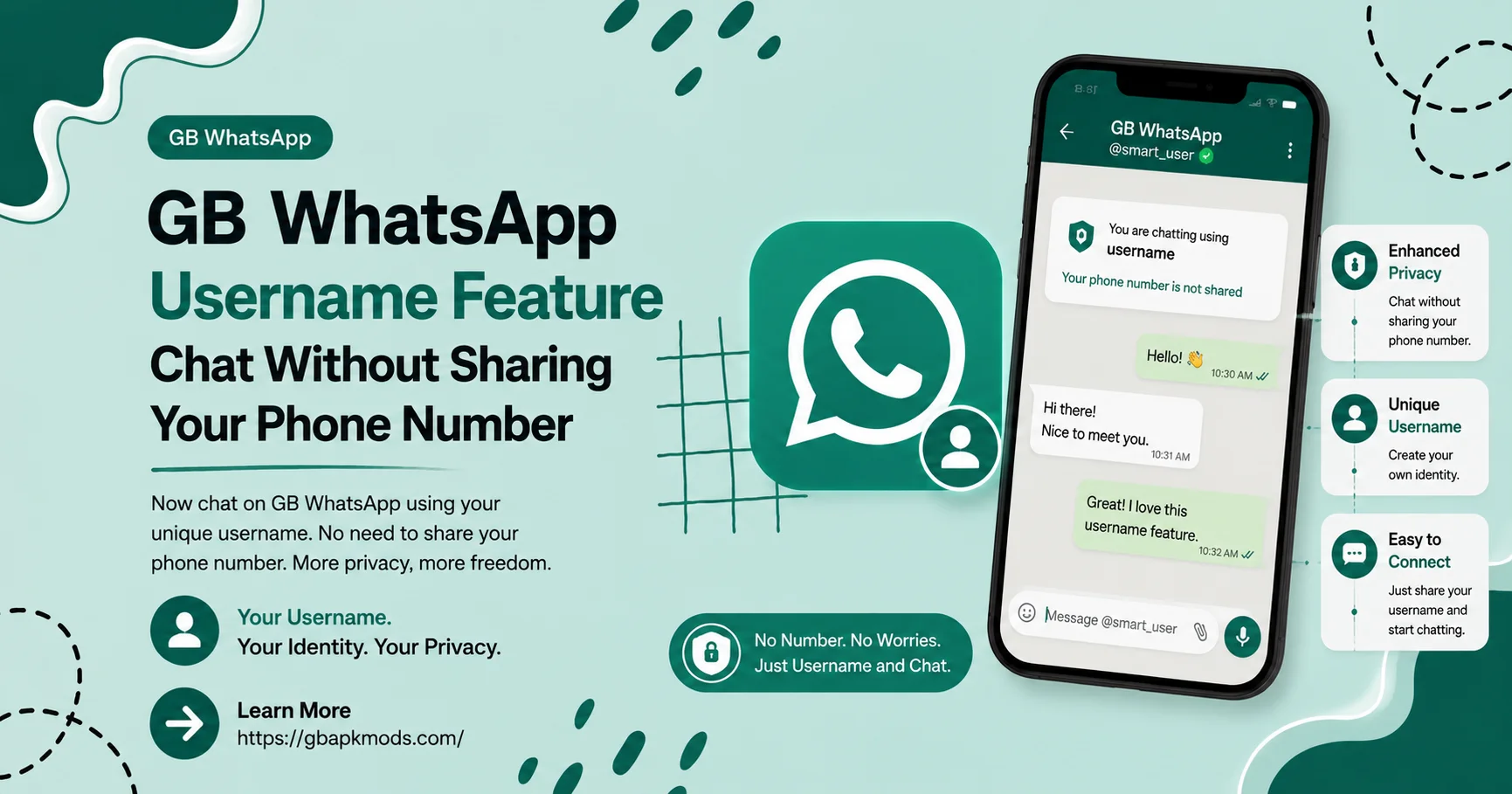
Sharing your personal phone number with every new contact can feel uncomfortable, especially when you are joining a new group, meeting someone online, or just want a little more privacy. This is exactly where the GB WhatsApp username feature comes in. It gives you the option to use a custom username instead of your phone number, making it easier to chat with people while keeping your number private.
In this guide, you will learn what the username feature is, how to set it up, and how to use it in your daily chats for better privacy.
What Is the GB WhatsApp Username Feature
The username feature in GB WhatsApp is a unique identifier that you can create and share with others instead of your phone number. Just like other social platforms where you can be found by your username, GB WhatsApp lets you pick a name that represents you in chats and groups.
When someone wants to add you, they can search for your username rather than asking for your number. This makes the whole experience more private, especially if you want to talk to new people without giving them direct access to your personal contact information.
Why the Username Feature Is So Useful
The username feature solves several problems that WhatsApp users have faced for years. Here are the top reasons people love it.
- You can chat with new people without sharing your phone number
- You can join public groups while keeping your number hidden
- You can use a creative name that reflects your personality
- You can keep your personal and professional contacts separate
- You can avoid unwanted calls and messages from unknown numbers
How to Set Up Your Username in GB WhatsApp
Setting up your username only takes a few seconds. Open GB WhatsApp on your phone, then tap the three dots in the top right corner. Select GB Settings from the menu and look for the Profile or Username option. Type the username you want to use and save the changes, then exit the settings.
Once your username is saved, you can share it with anyone you want to chat with. They can search for it in GB WhatsApp and start a conversation without ever needing your phone number.
Rules for Choosing a Good Username
Picking the right username is important because it will be how people find you in the app. Here are some tips to help you choose a good one.
- Keep it short and easy to remember
- Use a mix of letters and numbers for uniqueness
- Avoid using your full real name to protect your privacy
- Pick something that reflects your personality or brand
- Make sure it is not already taken by another user
Differences Between Username Feature and Phone Number
| Feature | Phone Number | Username |
|---|---|---|
| Privacy | Low | High |
| Easy to Share | No | Yes |
| Custom Name | No | Yes |
| Searchable | Yes | Yes |
| Works in Groups | Yes | Yes |
| Can Be Changed | No | Yes (with limits) |
Best Use Cases for the GB WhatsApp Username Feature
Here are some real life situations where the username feature can make a big difference.
- Freelancers sharing their username with clients instead of personal numbers
- Online sellers using a username to handle customer chats
- Gamers chatting with teammates without sharing personal contacts
- Students joining study groups while keeping their numbers private
- Content creators connecting with fans through a custom username
Can You Change Your Username Later
Yes, you can change your username anytime by going back into the GB Settings menu. Just pick a new name and save it. However, it is good to remember that changing your username too often can make it hard for people to find you, so try to stick with one that works for the long term.
Will the Username Feature Affect My Privacy
The username feature actually improves your privacy rather than affecting it. By using a username instead of your phone number, you keep your personal contact information hidden from people you do not know well. The only people who can see your phone number are the contacts you have already added.
Common Issues with the Username Feature and Fixes
Sometimes you might run into small issues when using the username feature. Here are the most common problems and the easiest fixes.
| Issue | Fix |
|---|---|
| Username already taken | Try a different variation with numbers or symbols |
| Username not searchable | Make sure the other person is also using GB WhatsApp |
| Cannot change username | Update the app to the latest version |
| Username not showing in profile | Restart the app and check the profile settings |
| People cannot message you | Confirm that your username is set to public visibility |
Username Feature vs Other Privacy Features
| Feature | What It Protects |
|---|---|
| Username | Hides your phone number from new contacts |
| Hide Last Seen | Hides your online activity timestamp |
| Ghost Mode | Hides everything including typing and recording status |
| Anti Revoke | Recovers deleted messages for your eyes only |
Is the Username Feature Free to Use
Yes, the username feature is completely free in GB WhatsApp. You do not need to pay anything, subscribe to any plan, or unlock any premium version to use it. Just set it up in the settings and start sharing your custom name.
Final Thoughts
The GB WhatsApp username feature is a brilliant addition for anyone who values their privacy and wants more control over who can contact them. It gives you the freedom to chat with new people, join groups, and run your business without ever sharing your personal phone number. If you have not set up your username yet, take a minute to do it today and enjoy a more private messaging experience.
FAQs About GB WhatsApp Username Feature
What is the username feature in GB WhatsApp?
The username feature lets you create a custom name that other people can use to find and message you without knowing your phone number.
Can two people have the same username?
No, each username is unique. If the one you want is taken, you will need to choose a different one by adding numbers or symbols.
Does the official WhatsApp have a username feature?
No, the official WhatsApp does not offer a username feature. It only uses phone numbers to identify users, which is why GB WhatsApp stands out.
Can I hide my phone number from existing contacts too?
The username feature mainly helps with new contacts. Your existing contacts will still see your phone number unless you use other privacy features to hide it.
Will my username work across all GB WhatsApp versions?
Yes, your username works across all the latest versions of GB WhatsApp as long as you have set it up properly in the settings.